Pasch

Help

First steps, guides and the most common questions. Anything else by email.

Getting started

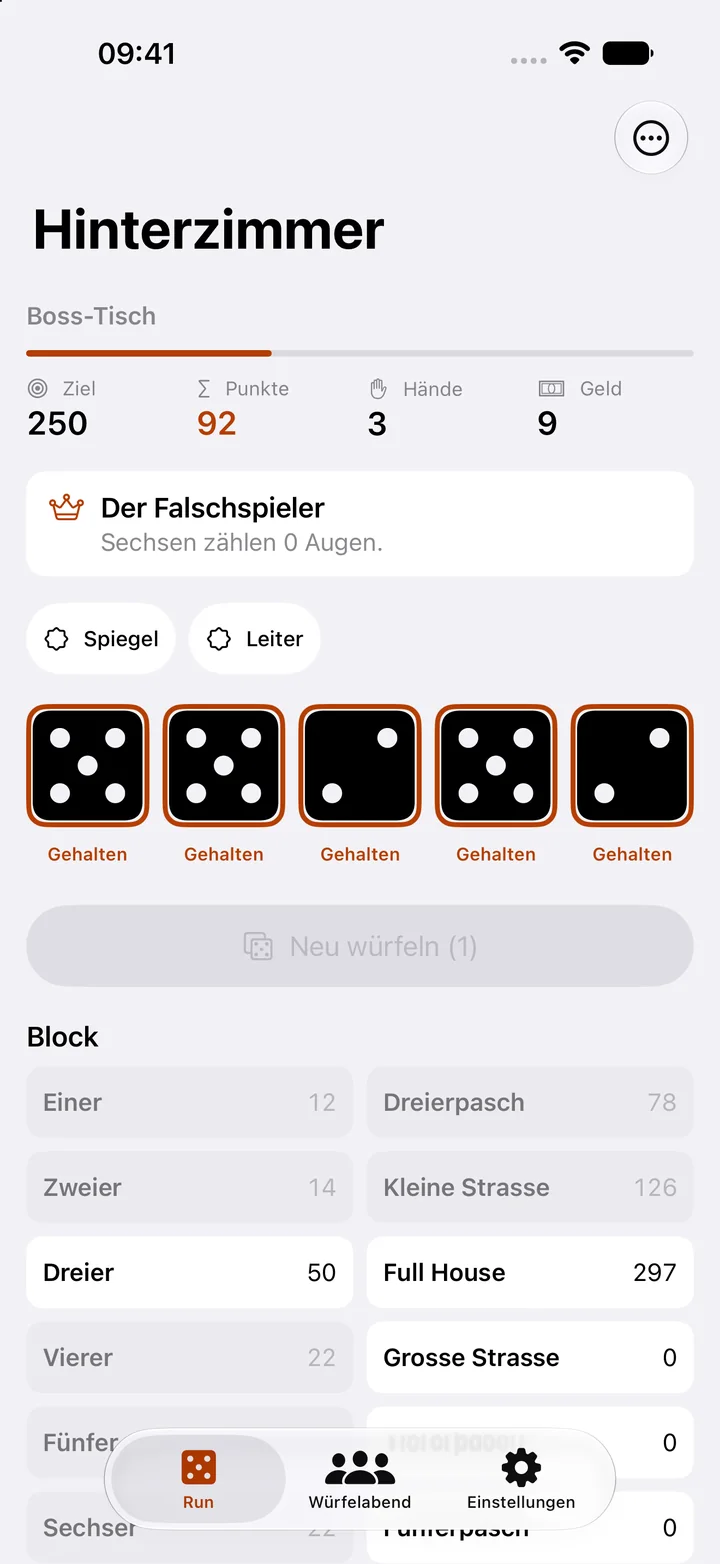
  1. Roll and keep. Tap Roll. Tap the dice you want to keep and reroll up to twice.
  2. Score a field. Tap a field on the sheet to preview its points. A second tap scores it. Each field counts only once per venue.
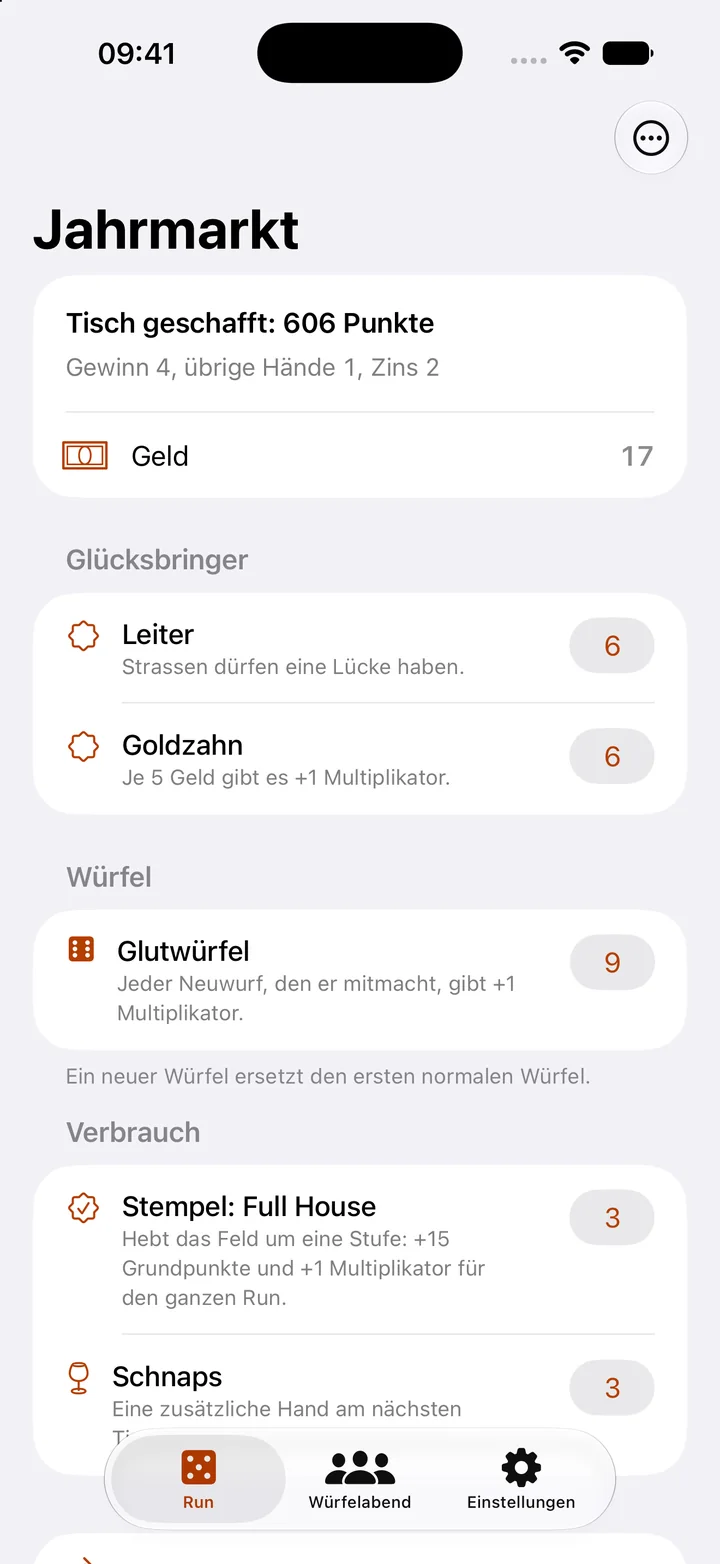
  3. Use the shop. After every table you win, buy charms, dice, stamps and schnapps.

Guides

Play a run

  1. In the Run tab, tap Start run.
  2. Tap Roll. Tap the dice you want to keep, then Reroll.
  3. Tap a field on the sheet to see its points. Tap again to score.
  4. Reach the table’s target within four hands and the shop opens.
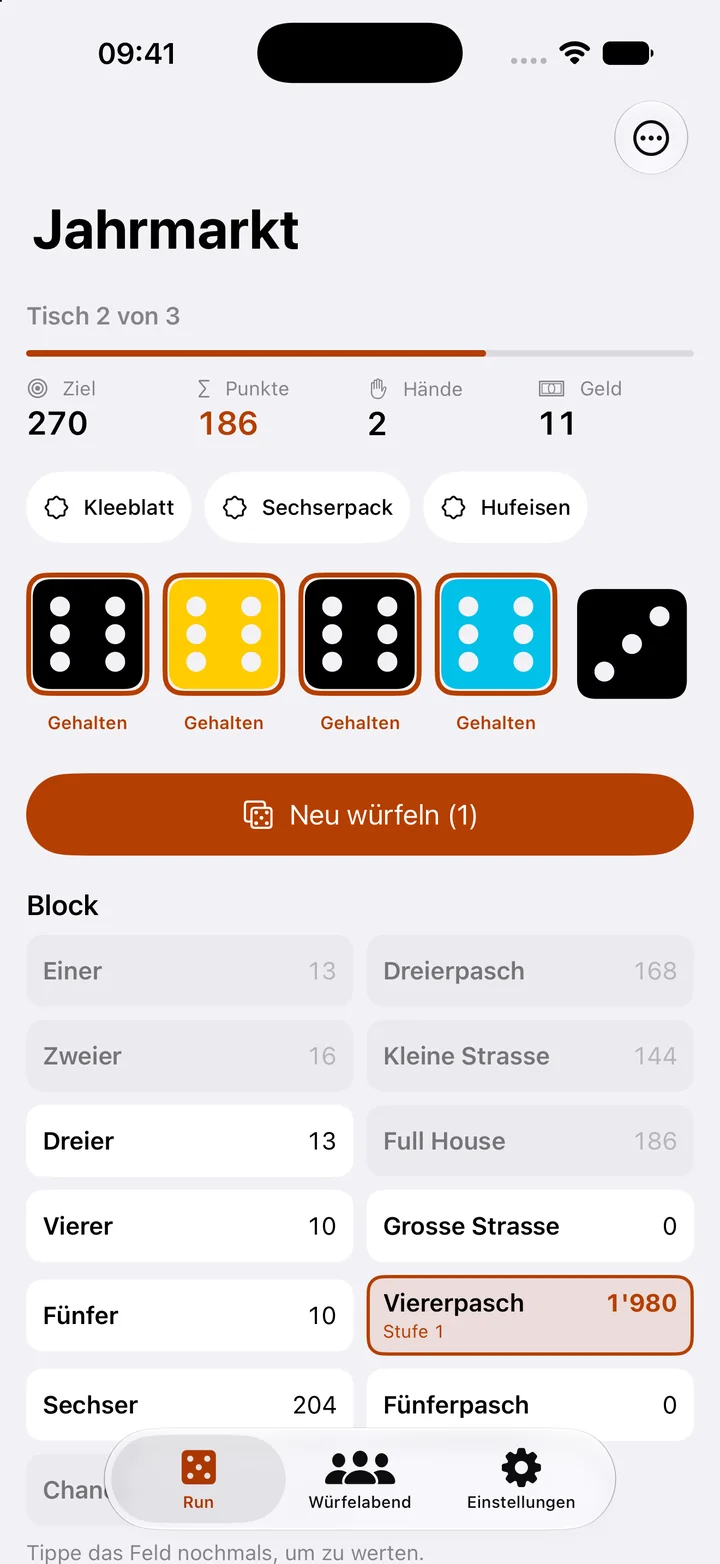
Play a run

Shop

  1. Tap the price next to an offer to buy it.
  2. Restock brings new charms and dice.
  3. Touch and hold one of your charms to move it left or sell it.
  4. On to the next table continues the run.
Shop

Play against a boss

  1. The third table of every venue is a boss.
  2. The top of the screen shows which rule it changes.
  3. Save good fields for it, because each field counts only once per venue.
Play against a boss

Play a Dice Night

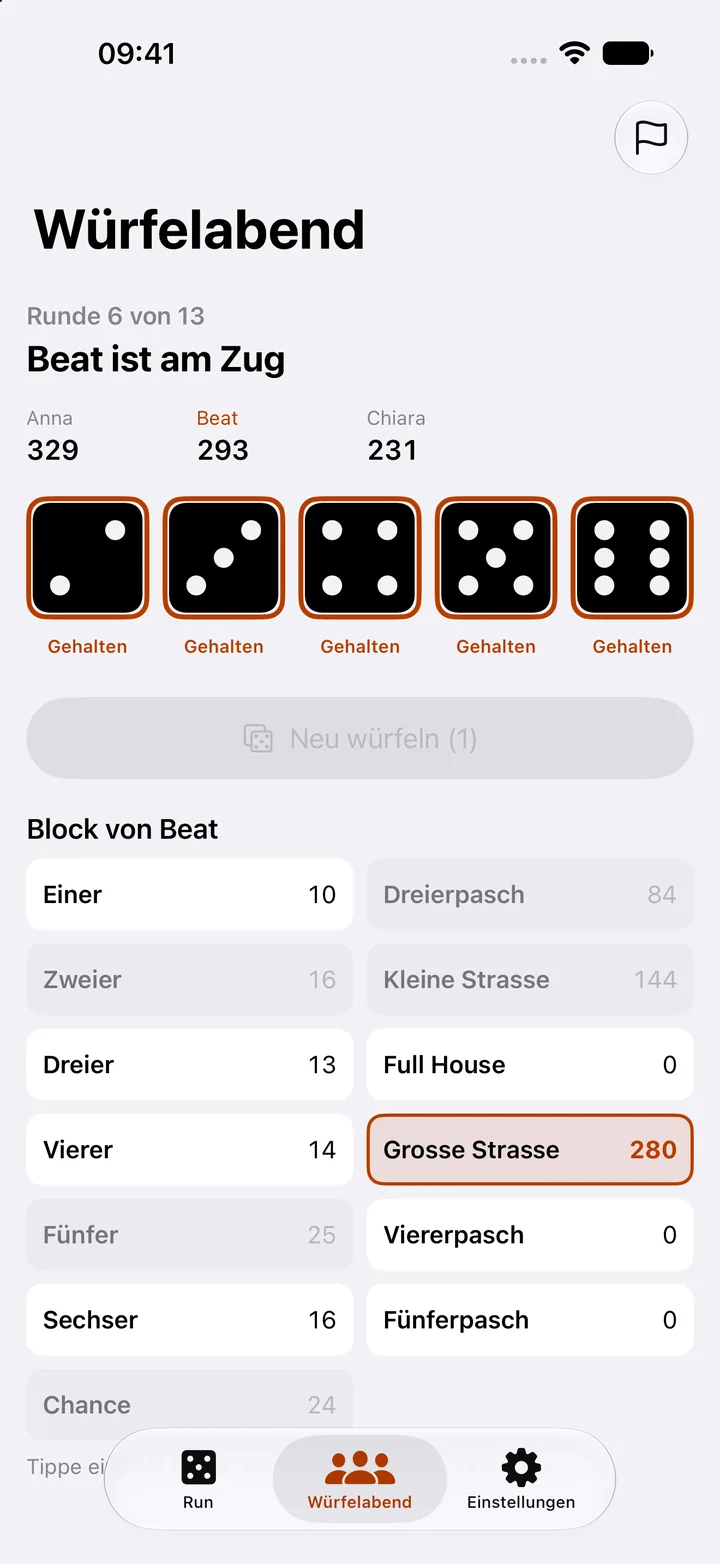
  1. In the Dice Night tab, enter the names. Add player allows up to six.
  2. Tap Start Dice Night.
  3. Whoever’s turn it is rolls and scores a field. Then pass the device on.
  4. After 13 rounds the ranking shows the result.
Play a Dice Night

Frequently asked questions

What is free?

Dice Night and the first venue of the run. Pasch Pro unlocks all further venues, all bosses and the endless run.

Does the game need an account?

No. There is no sign-in. Your game stays on your device only.

Do I lose my run when I close the app?

No. The run is saved after every move and continues the next time you open the app.

Restore purchases

Open Settings in the app, tap the purchase and choose “Restore purchases”. It needs the same Apple Account you bought it with.

Contact

A question, a bug, a wish: write to us.

pasch@bognar.net